
Expand Product Photos for Amazon, Shopify and Social Ads
Upload a product photo and expand the canvas for ecommerce listings, social ads, store banners, campaign pages, and multi-channel creative layouts without cropping the product.
More canvas space
Extend tight product crops into roomier ecommerce layouts with more space for headlines, benefits, labels, and design elements.
Common ad ratios
Prepare 1:1, 4:5, 9:16, and 16:9 product image formats for marketplaces, feeds, stories, banners, and landing pages.
Product stays central
Adapt the surrounding canvas while keeping product shape, packaging, and important visual details inside the frame.
Campaign-ready output
Create more flexible visuals for store banners, social ads, marketplace galleries, PDP modules, and seasonal campaigns.
How to Expand a Product Photo for Any Ecommerce Image Ratio
Create more usable canvas space when a product photo is too tight for ads, banners, social posts, or multi-channel listings.
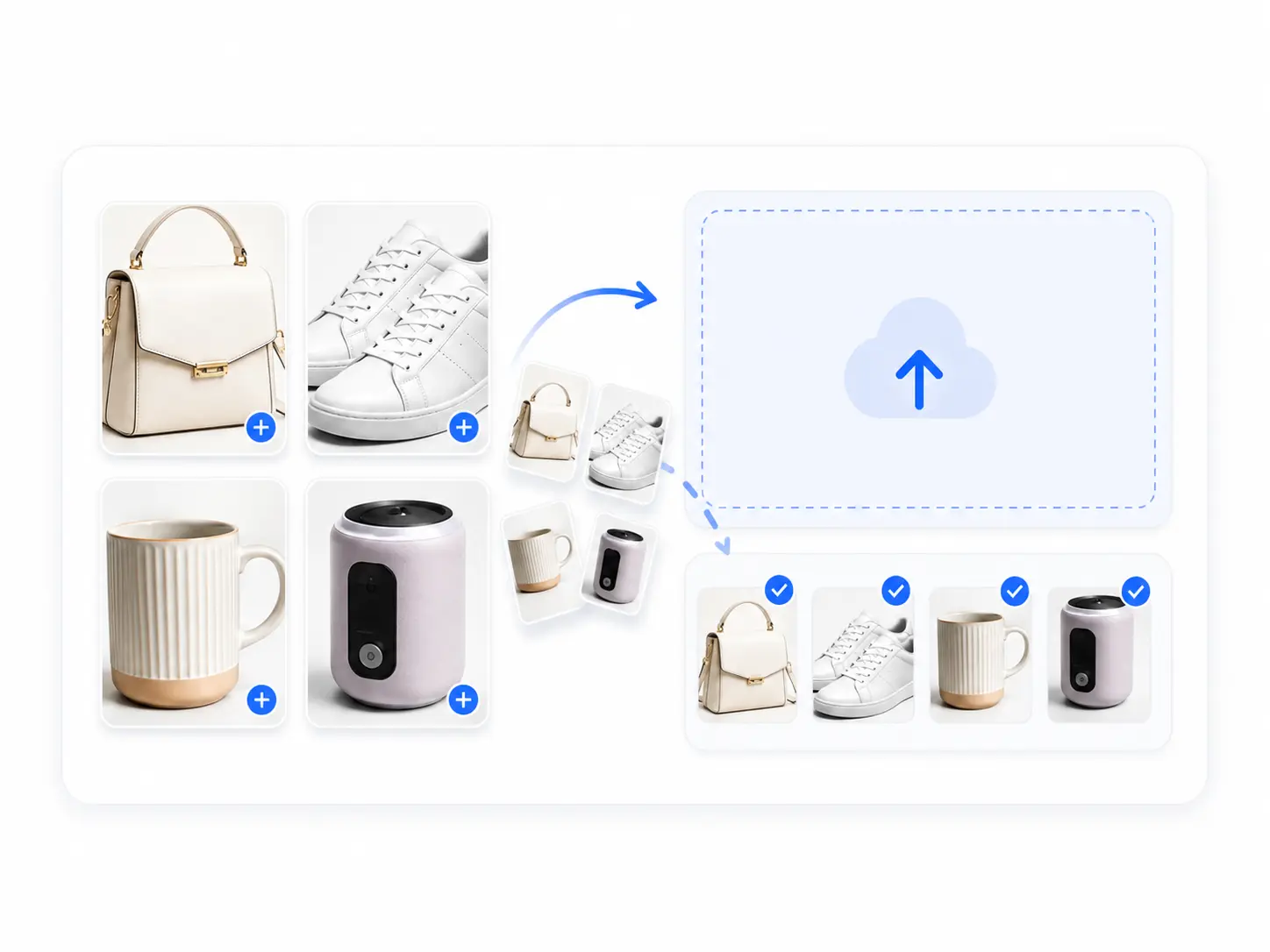
Upload product images
Add one or more JPG, PNG, or WebP product photos where the subject is clear but the crop is too tight or lacks space for ads, banners, or mobile formats.
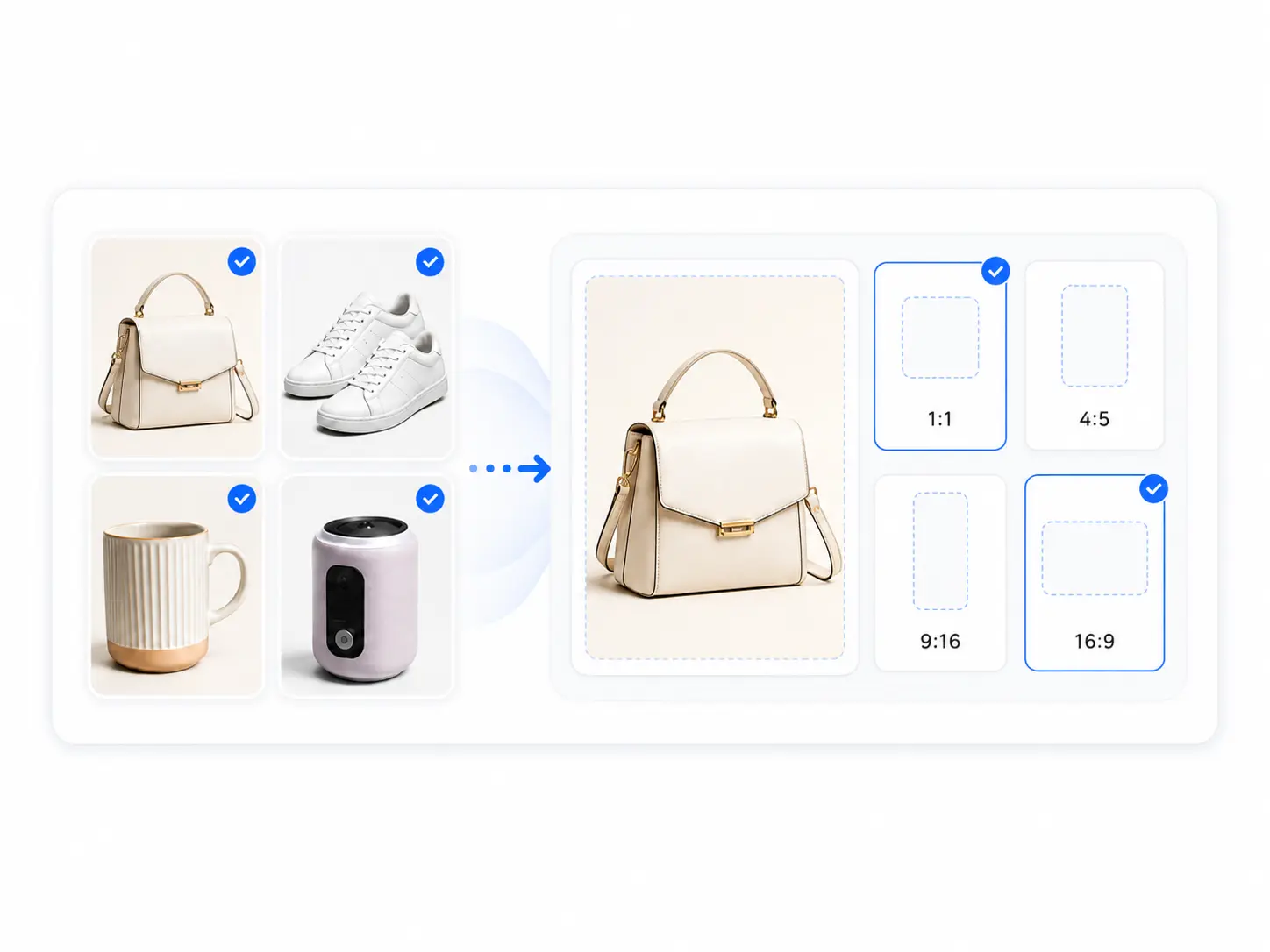
Choose the target ratio
Select 1:1, 4:5, 9:16, or 16:9 based on your listing, ad, story, feed, or banner placement so the extended canvas fits each channel.
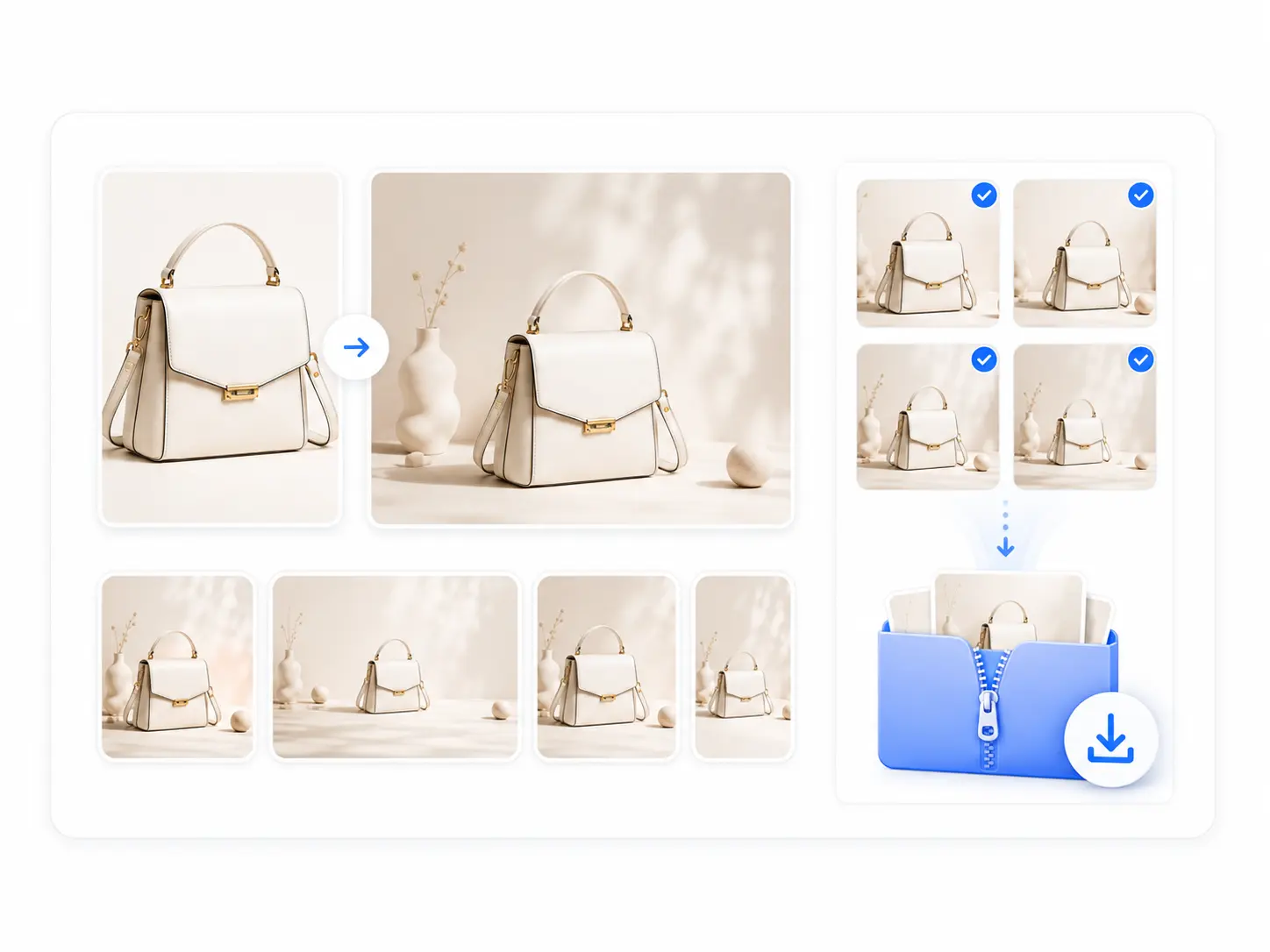
Generate the extended canvas and download
AI expands the canvas while keeping the product subject intact. Review composition, product detail, and empty space, then download HD images for listings, ads, or social posts.
Product Photo Sizes for Listings, Feeds, Stories and Store Banners
A product image extension tool should help ecommerce teams reuse one strong product photo across different channel sizes. Choose the canvas format that matches the placement you need next.
Square listing images
Create 1:1 product visuals for marketplace galleries, Shopify collections, catalog grids, and product page modules. Square outputs are useful when a tight original crop needs more balanced margins around the product.
Portrait feed layouts
Extend product images into 4:5 portrait layouts for social feeds, mobile commerce cards, Pinterest-style creatives, and store promotions where the product needs more vertical presence.
Story and short-form covers
Generate 9:16 layouts for stories, Reels covers, TikTok Shop creatives, short-form video thumbnails, and mobile ads. The extra canvas gives room for hooks, benefits, and campaign text.
Wide banners and covers
Create 16:9 or wide product layouts for store homepages, landing pages, collection headers, hero banners, and campaign covers without stretching or awkwardly cropping the product.
Turn Tight Product Crops into Flexible Ecommerce Layouts
Use this tool when a strong product photo does not fit the channel size you need, but the product itself should stay visible and central.


Extend square product photos into wider layouts
Compare the original 1:1 crop with a wider 4:3 result. AI image extension adds believable side space so the same source photo can work in listings, PDP modules, ads, and campaign layouts.
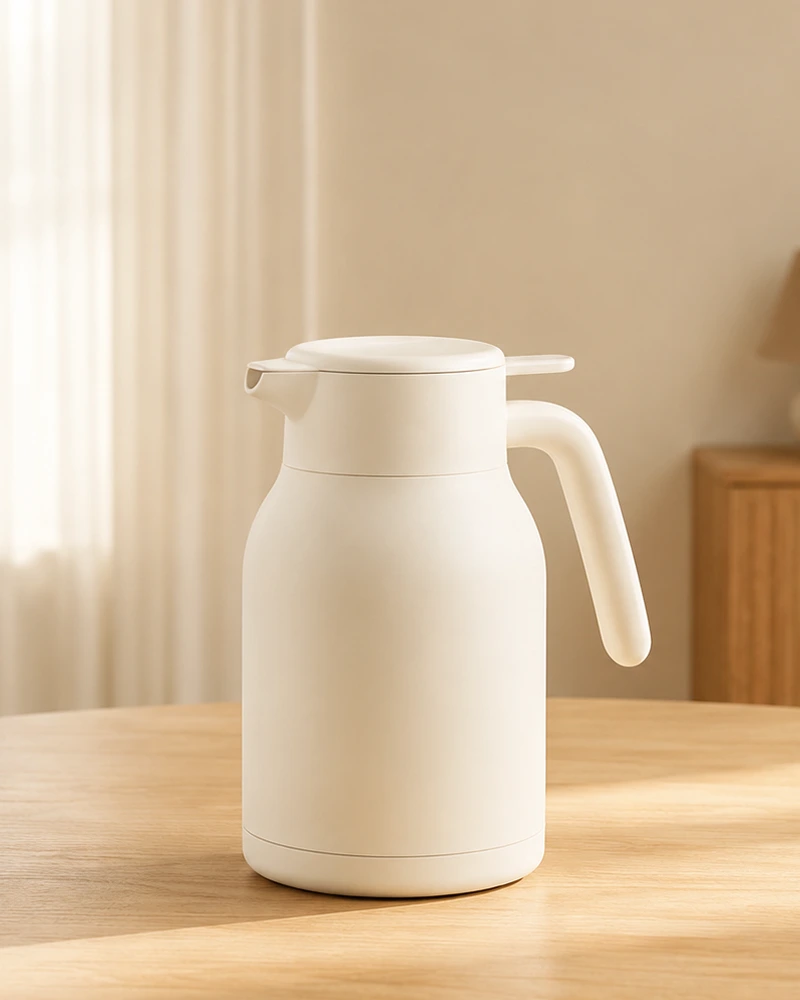
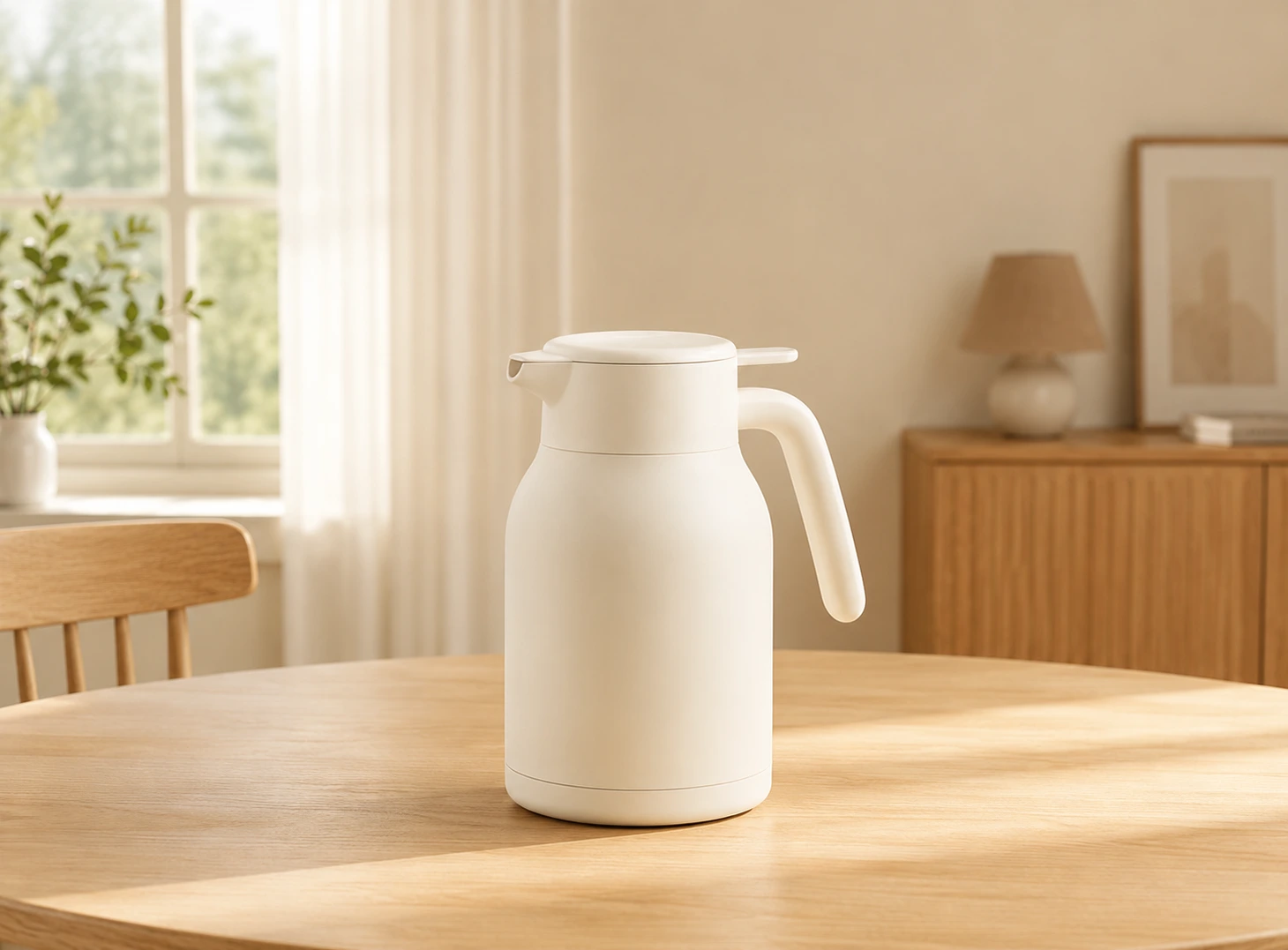
Extend portrait photos into landscape-ready layouts
Move from a 4:5 portrait crop to a 4:3 composition without stretching the subject. The added canvas helps product and lifestyle photos fit banners, store sections, and cross-channel creatives.
When an Ecommerce Product Photo Needs More Canvas
Use this canvas expansion tool when the product photo is strong, but the original crop does not fit the placement, ratio, or creative layout you need.
The product crop is too tight
Use image extension when the product is too close to the edge or lacks breathing room. A roomier canvas can make listings, product pages, and ads feel more balanced.
A channel needs a different ratio
Use the extender when one source photo needs square, portrait, vertical, and wide versions for marketplaces, Shopify, social feeds, stories, banners, or campaign pages.
Ads need room for copy
Campaign graphics often need space for price labels, benefits, urgency copy, or a callout. Extending the canvas creates space around the product without covering it.
A new photoshoot is not practical
Use AI canvas extension when the product photo is already approved but you need more formats quickly for launch pages, ad tests, social commerce, or seasonal campaigns.
Why Sellers Use AI to Extend Product Photo Backgrounds
Built for ecommerce channel adaptation, combining fast canvas expansion, product-preserving quality, and batch processing in one workflow.
Fast ratio adaptation
Extend product images quickly for listing galleries, social ads, store banners, campaign visuals, and mobile commerce placements.
Preserve the product subject
Extend surrounding canvas while keeping the product, packaging, labels, and important information visible.
Batch up to 50 images
Extend SKU groups or campaign assets together into horizontal, vertical, and square formats for multiple ecommerce channels.
Ecommerce Use Cases for AI Product Photo Extension
Adapt one product photo into more formats without starting from a new photoshoot, manual canvas rebuild, or repeated cropping work.
Turn square or horizontal product images into 4:5 and 9:16 formats for feeds, stories, short-form covers, and social commerce ads.
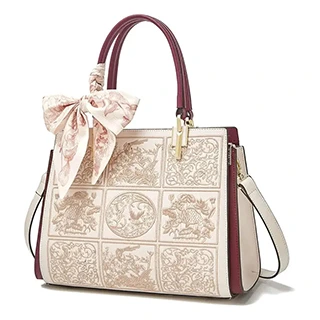
Social Ads
Feeds, stories, short-form covers
Create wider product visuals for Shopify homepages, campaign pages, collection headers, and landing pages without a new shoot.
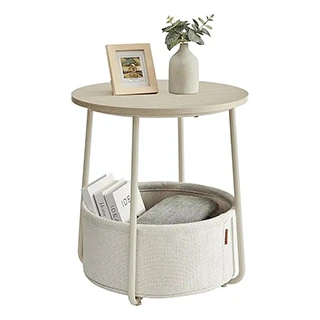
Store Banners
Homepages and campaign pages
Prepare more ratio variants for listing galleries, PDP modules, comparison sections, and campaign assets from the same source image.

Listing Gallery
Product galleries and PDP modules
Adapt product images into wider or taller canvas sizes for marketplace gallery images, feature callouts, and promotional placements.
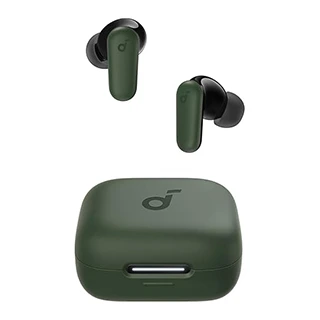
Marketplace
Gallery images and feature visuals
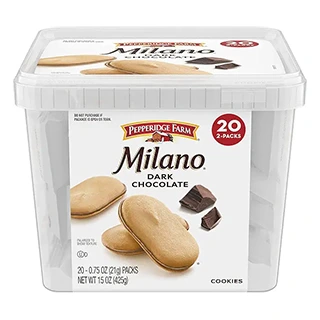
Create extra surrounding space for prices, benefits, discount labels, seasonal messages, and campaign hooks.
Campaign Creative
Promotions and seasonal launches
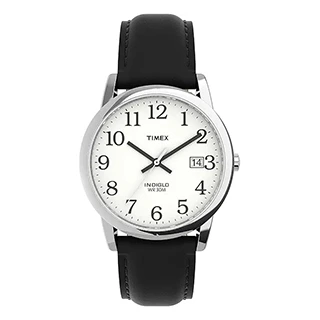
Extend full SKU groups into multiple channel sizes instead of cropping, filling, and rebuilding images one at a time.
Batch SKU
Product lines and multi-channel sets
Prepare Product Photos Before and After Canvas Expansion
A stronger source image creates better extended layouts. Clean, sharpen, or standardize product photos before expanding them into ads, banners, and listing ratios.
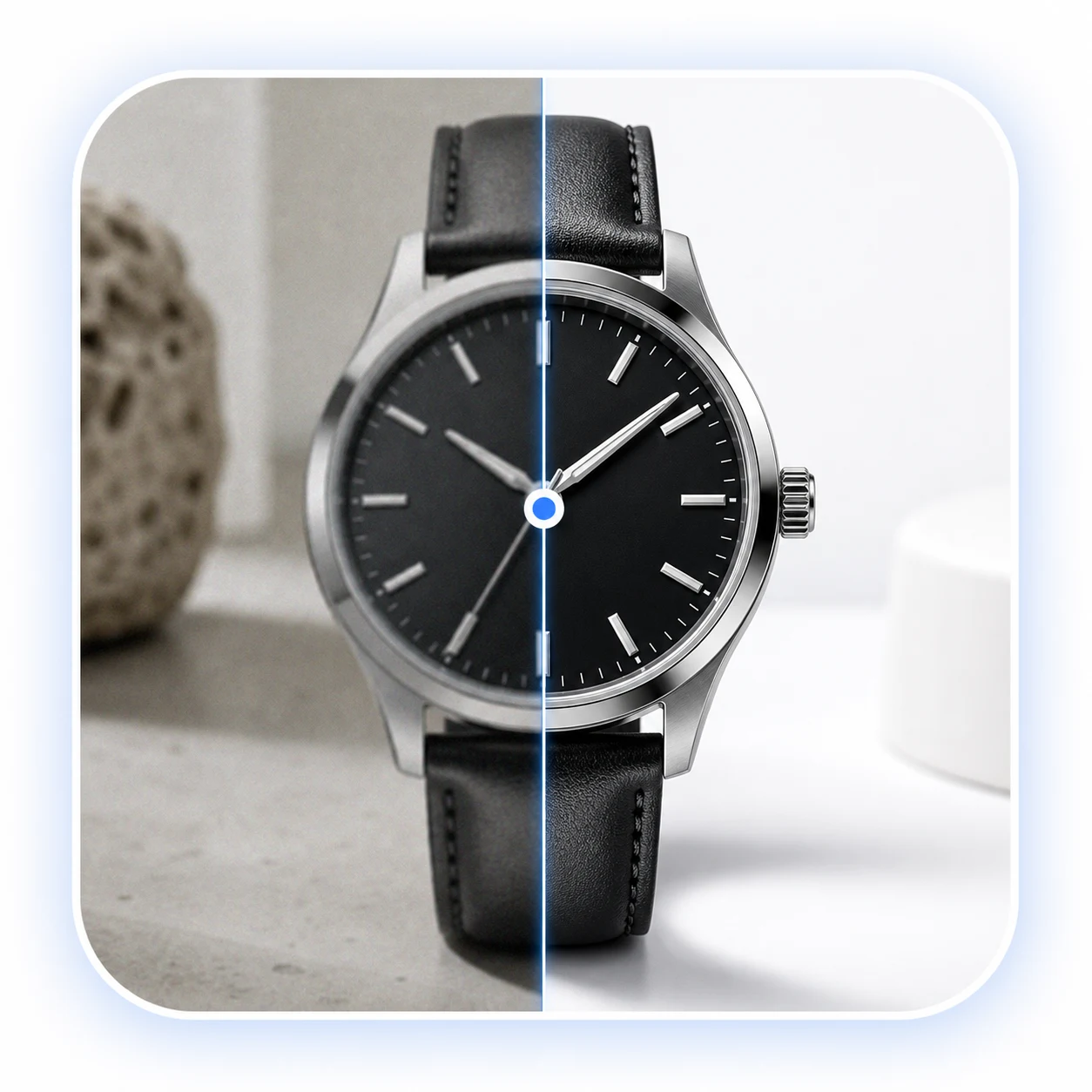
Image Quality Enhancer
Improve clarity, lighting, and visible product detail before extending the product image into new ratios.
Bulk Background Remover
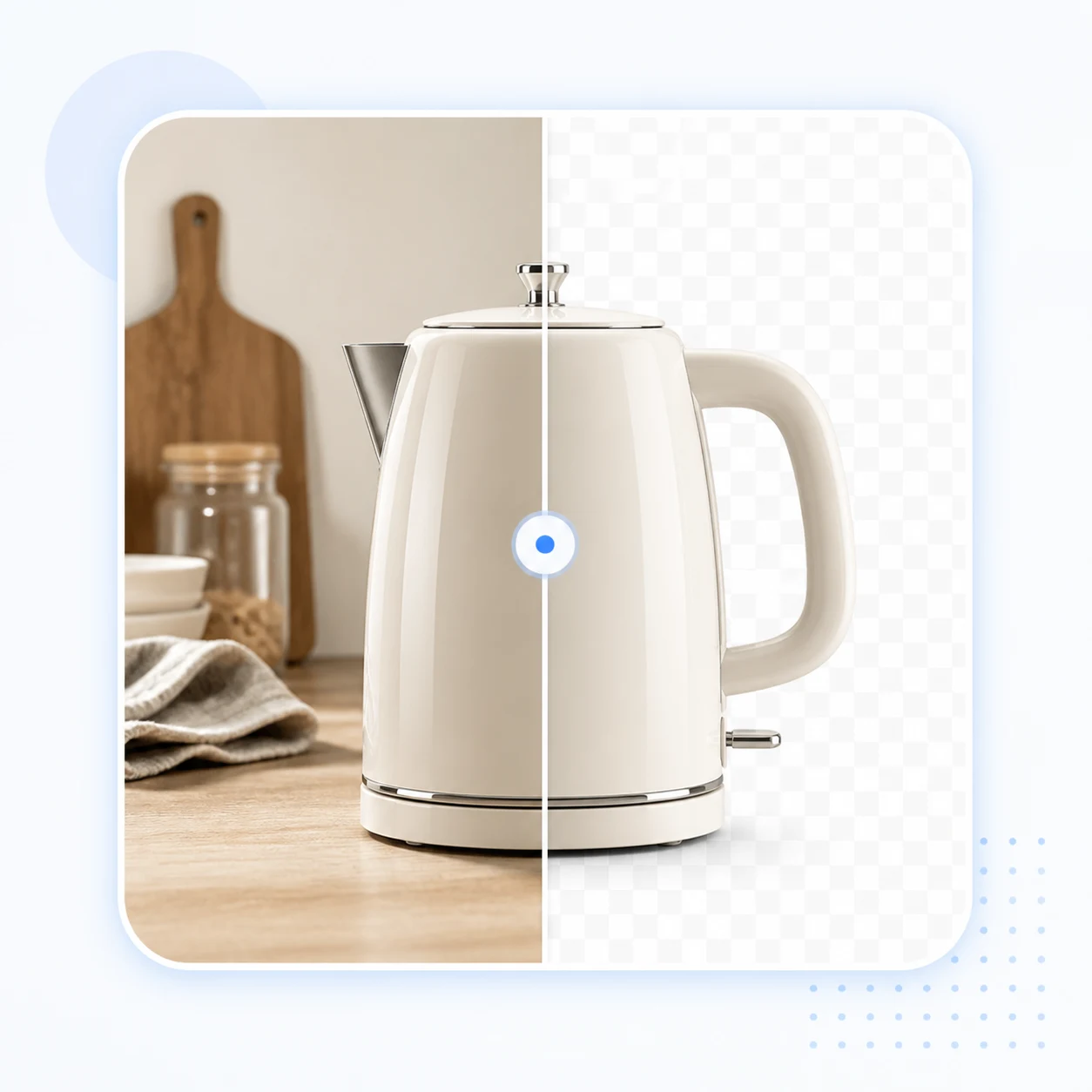
Create clean product cutouts that can be placed into new campaign layouts, banners, and product page graphics.
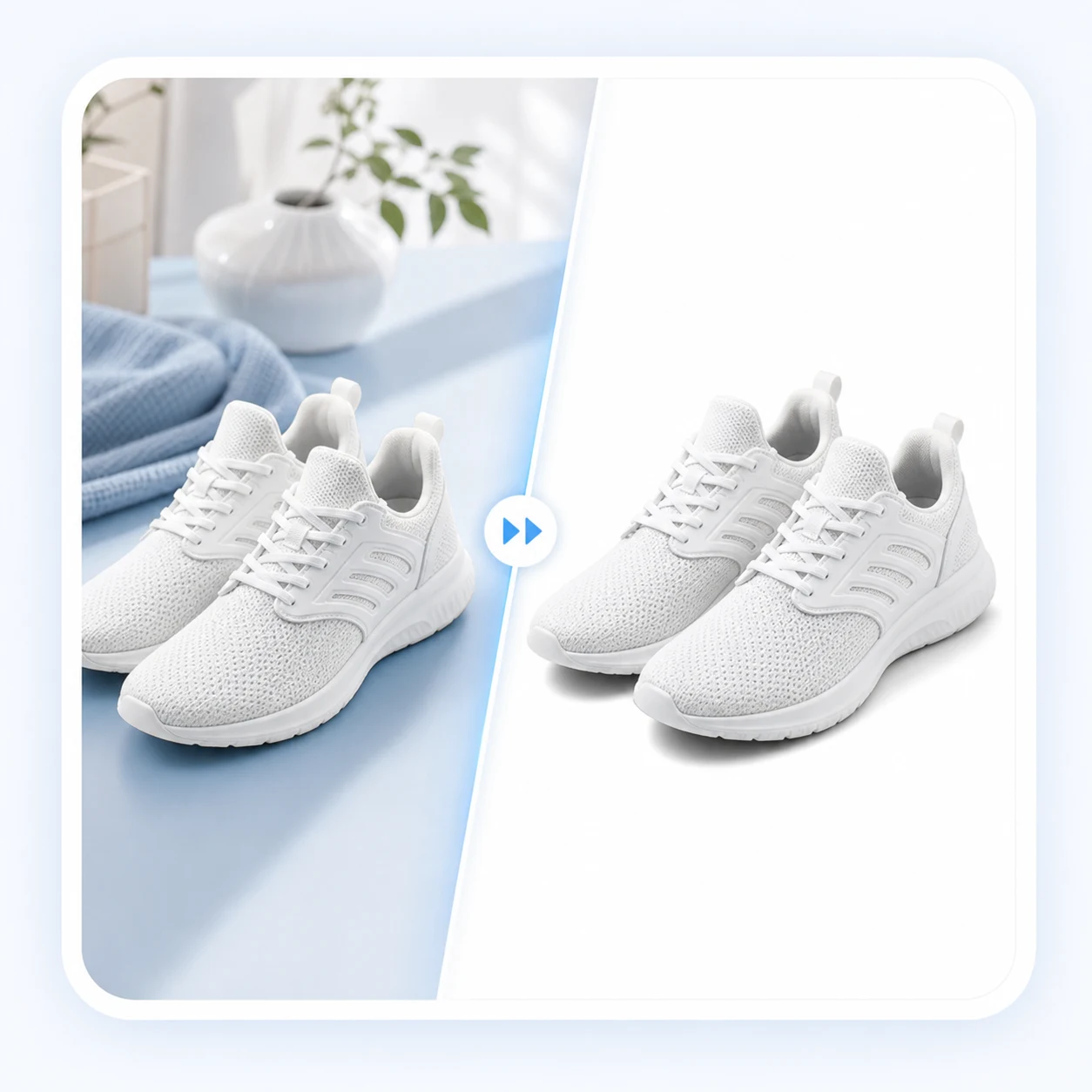
White Background Photo
Build a clean ecommerce base before extending the product into more formats for stores, catalogs, and marketplaces.