
Enhance Product Photos for Ecommerce Listings and Ads
Improve product photo clarity, lighting, and visible detail before publishing listings, ads, catalogs, or product pages. Use the image quality enhancer to upgrade soft, compressed, dark, or inconsistent supplier photos in minutes.
Sharper product details
Improve edges, texture, packaging, surface detail, and product shape so buyers can inspect the image with more confidence.
Better supplier photos
Upgrade low-light, compressed, soft, or uneven product images before they move into marketplace publishing or creative production.
Ecommerce quality pass
Prepare images for PDP galleries, ads, marketplace listings, Shopify catalogs, and downstream product image tools.
Batch enhancement
Apply the same photo quality improvement workflow across multiple uploaded product images, SKU groups, and supplier batches.
How to Improve Product Photo Quality with AI
Improve ecommerce visuals before using them in listings, ads, catalogs, white-background tools, or downstream image generation.
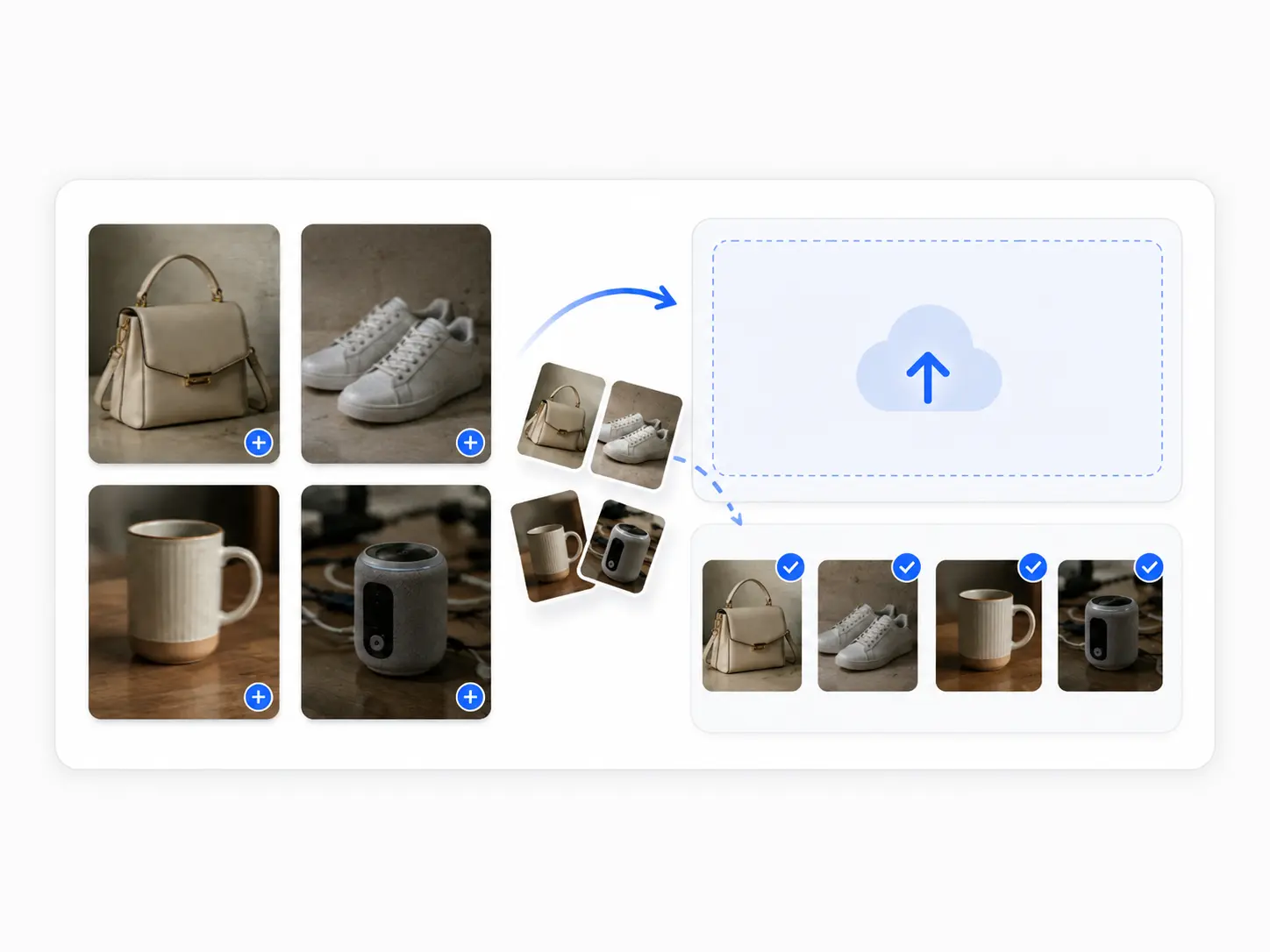
Upload low-quality photos
Add blurry, dark, compressed, soft, or inconsistent product images from suppliers, phone shoots, SKU folders, or catalog archives.

Review images and download
After enhancement finishes, review clarity, lighting, and product details. Confirm logos, labels, textures, and packaging text look stable, then download HD images for listings, ads, or store pages.
AI Enhancement Options for Clearer Product Images
An image quality enhancer should create better source assets for real ecommerce work. Choose the enhancement goal that matches your product listing, catalog, marketplace, or creative workflow.
Clarity improvement
Improve soft product photos so edges, shapes, materials, and packaging details are easier to inspect. This option is useful when supplier images look usable but not sharp enough for product detail pages or listing galleries.
Lighting and color cleanup
Use enhancement when product images look dull, flat, underexposed, or uneven across a SKU set. Better lighting and more consistent color help catalogs, store grids, and PDP images feel more professional.
Detail-aware product enhancement
Upgrade texture, labels, packaging edges, stitching, material cues, and small visible features without treating the image like a generic beauty filter. Ecommerce product photos need clarity without changing what buyers expect to receive.
Batch-ready quality pass
Run a consistent quality pass across supplier batches, SKU variants, marketplace photos, and catalog images. A batch image enhancement workflow helps teams clean image sets before background removal, white backgrounds, or ad production.
From Soft Supplier Photos to Sharper Product Visuals
Use Image Quality Enhancer when the photo content is useful but the visual quality weakens trust, hides details, or makes the product feel less ready to buy.


From soft or compressed photos to clearer product images
Low-quality source images can hide product details and make listings feel less reliable. After enhancement, buyers can inspect materials, packaging, proportions, and key selling points more easily.


Improve clarity while preserving product details
Sharpen edges, textures, and lighting while keeping logos, labels, packaging text, and visible product cues stable for product pages, catalogs, and ad assets.
When a Product Photo Looks Soft, Dark or Noisy
Use this tool when the product photo is valuable, but the image quality is holding back trust, clarity, or reuse across ecommerce channels.
Supplier photos look soft or compressed
Use enhancement when supplier images are small, compressed, slightly blurry, or lacking detail. A better source image can make later listing, catalog, and background workflows more reliable.
Product details are hard to inspect
If buyers need to see material texture, labels, packaging, stitching, connectors, ingredients, or small product features, improve clarity before publishing the image in a PDP gallery.
Listing images feel inconsistent
Use a quality pass when SKU photos come from different suppliers, lighting setups, or older shoots. Cleaner image quality helps a catalog feel more consistent before additional editing.
Assets need another editing step
Enhance weak source photos before removing backgrounds, creating white product images, extending canvases, or generating listing sets. Better input quality usually creates cleaner downstream assets.
Why Sellers Enhance Product Photos Before Publishing
Designed for pre-publish product photo cleanup, combining fast enhancement, detail-aware quality, and batch processing in one ecommerce tool workflow.
Fast image clarity upgrades
Improve clarity, lighting, and base image quality quickly before listing products, updating catalogs, or building ad assets.
Preserve product details
Keep product shape, logos, labels, textures, and packaging details recognizable while making images cleaner and sharper.
Batch up to 50 images
Enhance SKU groups, supplier photos, and product page assets together instead of checking and cleaning images one by one.
Ecommerce Use Cases for AI Product Photo Enhancement
Improve product photos before they reach high-visibility selling surfaces like marketplace galleries, Shopify stores, ads, catalogs, and product detail pages.
Upgrade incoming supplier images before they move into listing prep, catalog creation, white-background workflows, or creative production.

Supplier Photos
Vendor and wholesale images
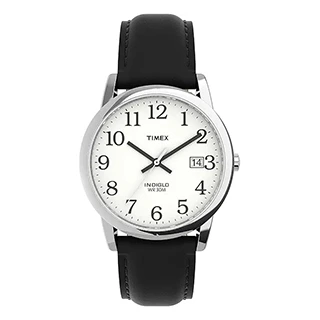
Make product page images clearer so buyers can compare materials, packaging, textures, labels, and important product details.
PDP Gallery
Product detail images
Improve source image quality before turning product photos into paid media, promotion graphics, social content, or campaign visuals.

Ad Creative
Ads and social visuals
Improve the base quality of marketplace main images and gallery photos so products look sharper, cleaner, and more trustworthy.

Marketplace
Amazon, Etsy, eBay
Enhance low-quality photos before background removal or white-background generation so subject edges and visible product details are easier to preserve.

Before Cutout
Before cutouts and white images
Normalize clarity and lighting across a group of SKU images so the product catalog feels more consistent and easier to browse.

Batch SKU
Product lines and catalogs
What to Do After Enhancing Product Image Quality
Once the product image looks clearer, continue into tools that remove backgrounds, create clean white product images, or adapt the asset for more ecommerce formats.

Bulk Background Remover
Remove backgrounds after improving image clarity, especially when the original supplier photo was soft or compressed.
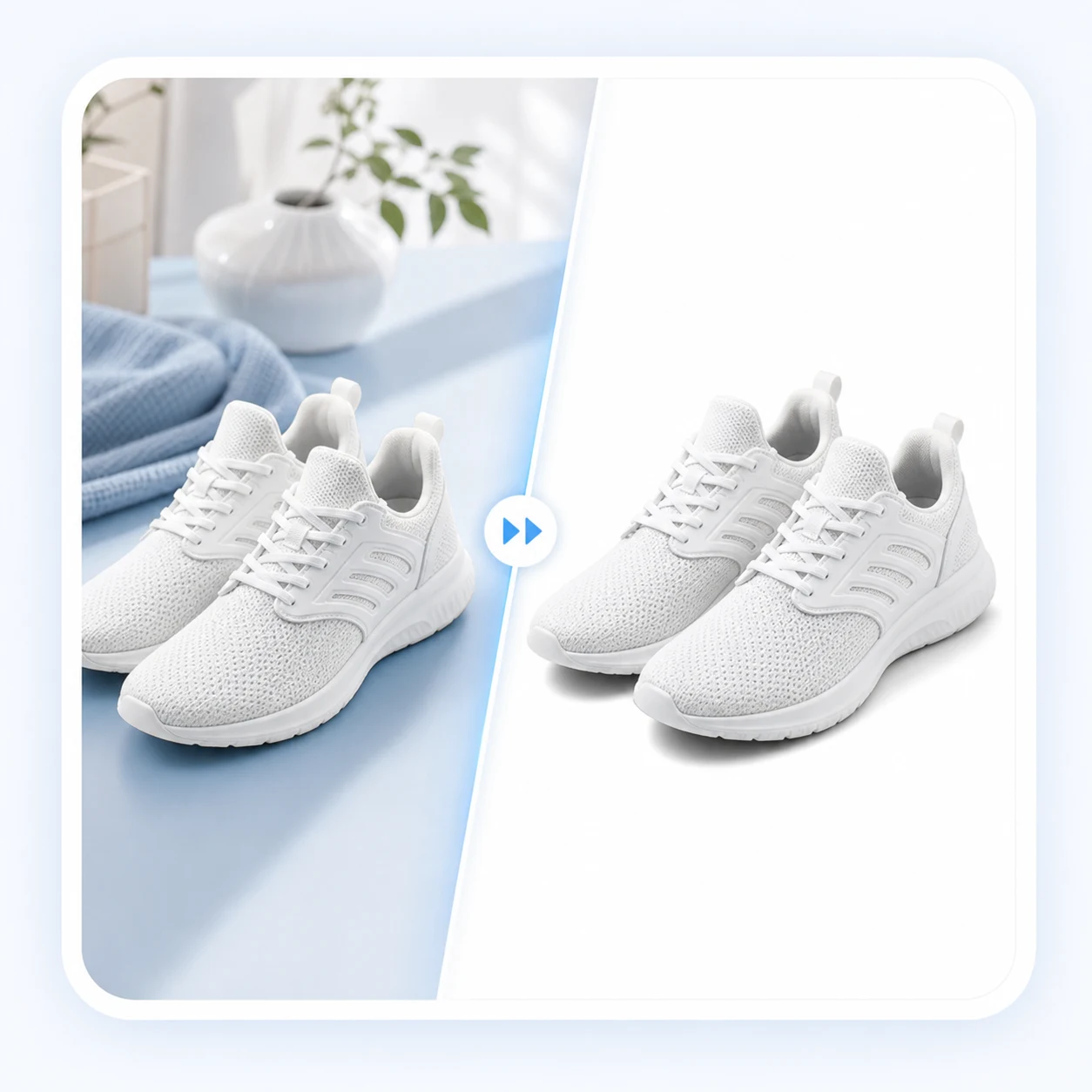
White Background Photo
Create a clean marketplace image from the enhanced product photo with balanced placement and white-background presentation.
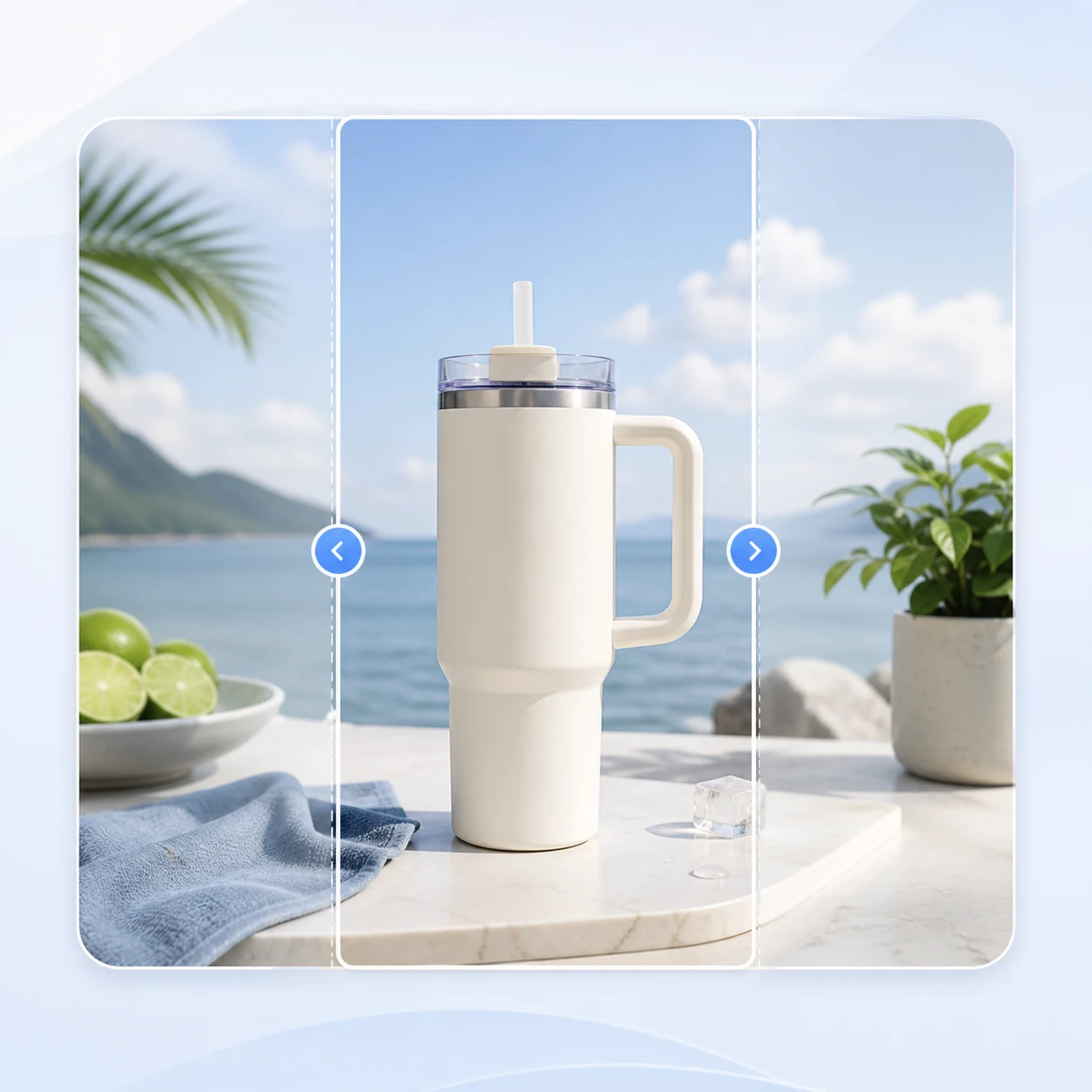
AI Image Extender
Expand the improved product photo for ad, social, banner, and listing ratios without starting from a new shoot.