
Remove Backgrounds from Product Photos in Bulk
Remove backgrounds from product photos in bulk. Upload supplier images, SKU sets, or catalog photos and create clean ecommerce cutouts for listings, ads, store pages, and product image workflows.
Batch-ready cutouts
Use one bulk background remover workflow to process supplier photos, SKU sets, marketplace batches, and catalog images without repeating manual edits.
Transparent or clean backgrounds
Create product cutouts that can move into transparent PNGs, white-background photos, store grids, ads, and listing galleries.
Marketplace workflow
Prepare cleaner product images for Amazon, Shopify, Etsy, eBay, TikTok Shop, DTC stores, and social commerce campaigns.
Credit-safe tasks
Each uploaded image is processed as its own task item, so batch work stays trackable and failed charged tasks remain eligible for automatic credit refund.
How to Batch Remove Backgrounds from Ecommerce Images
A simple bulk background remover workflow for turning messy supplier photos, catalog shots, and product batches into clean ecommerce cutouts for real store and marketplace work.
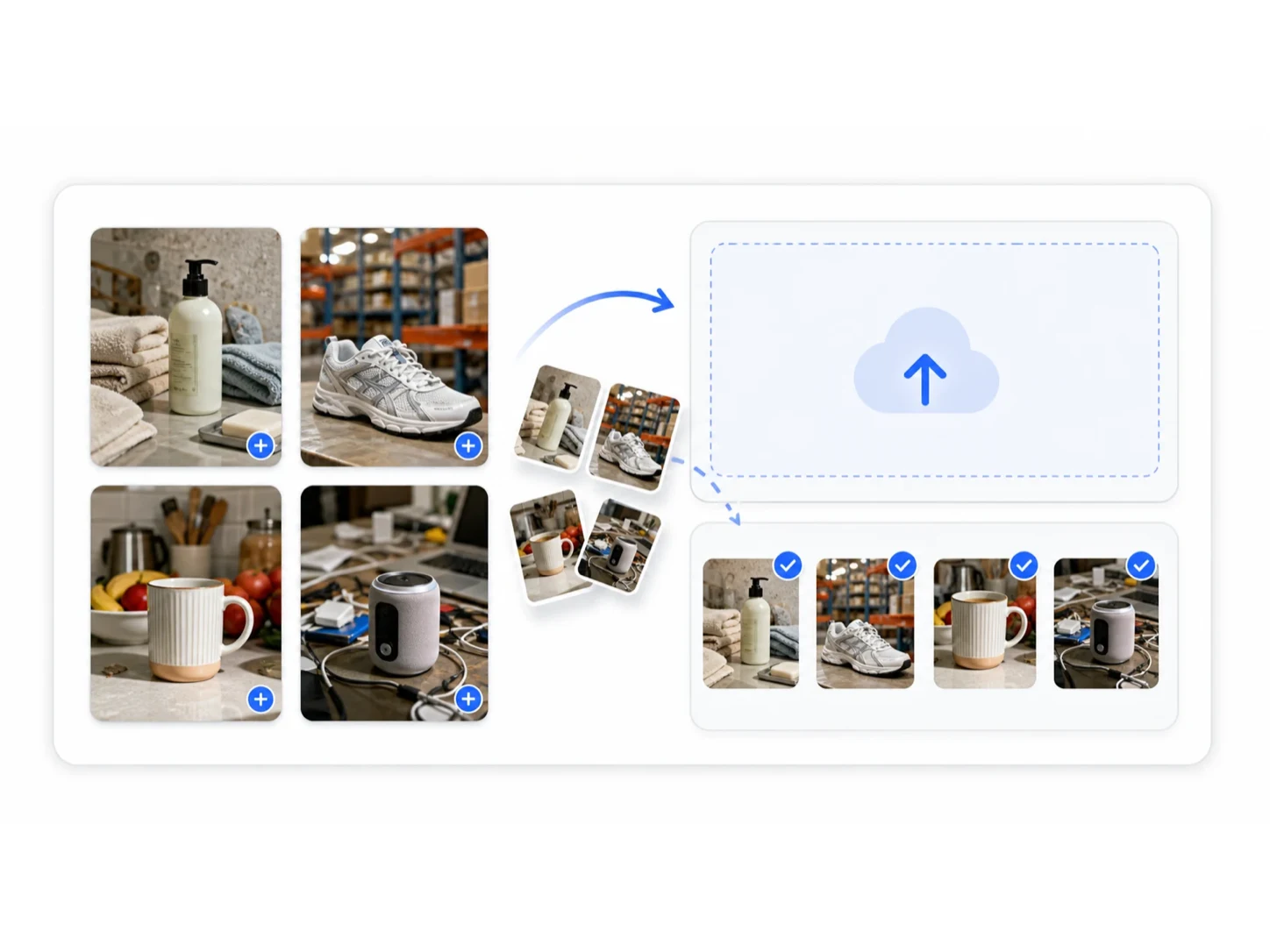
Upload product photos
Add one image or a batch of JPG, PNG, or WebP product photos from suppliers, SKU sets, catalogs, or new marketplace launch folders.
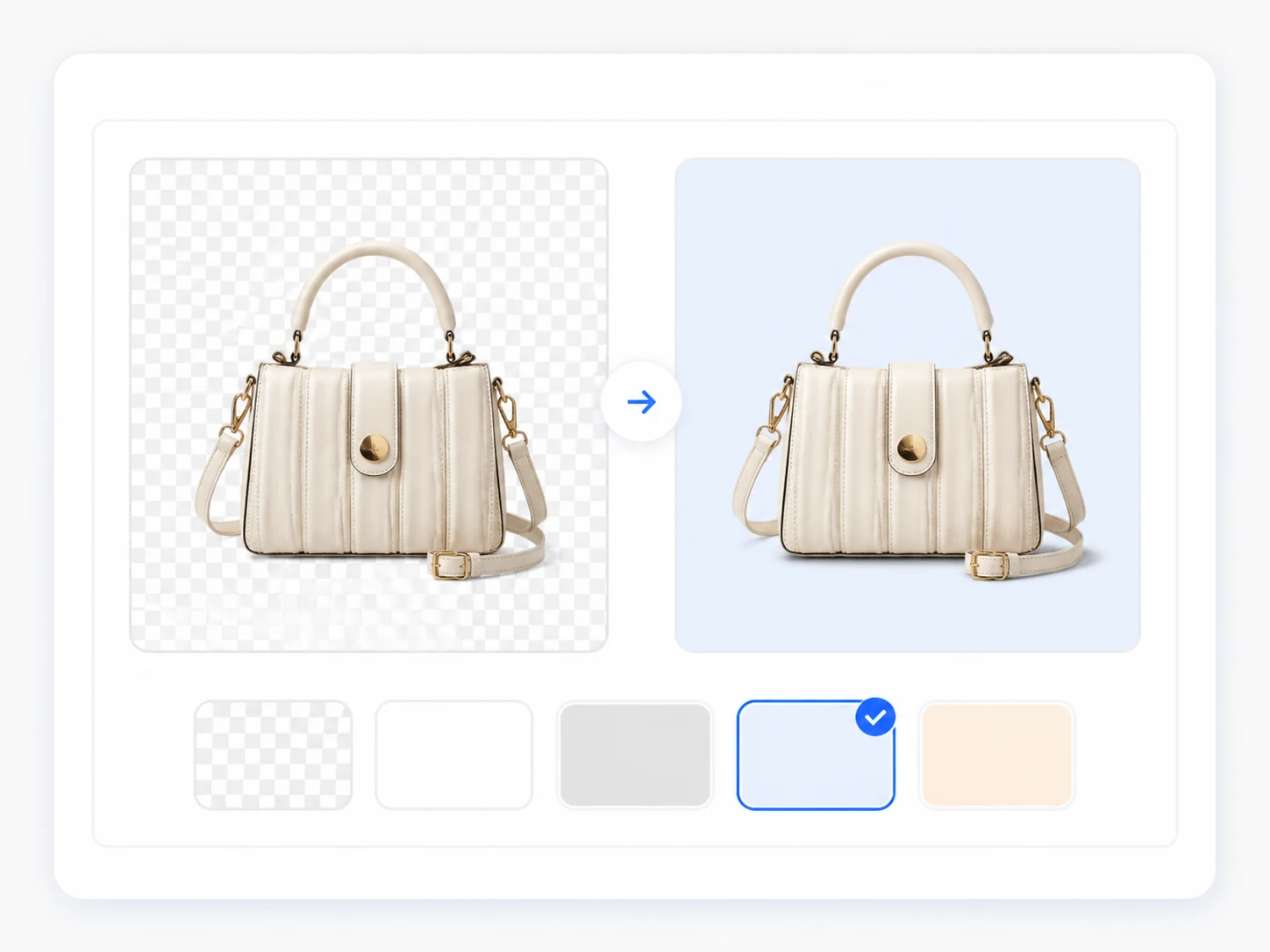
Choose the output background
Pick transparent, white, light gray, or a brand-friendly color so each product cutout is ready for listings, ads, PDP modules, or the next image tool.
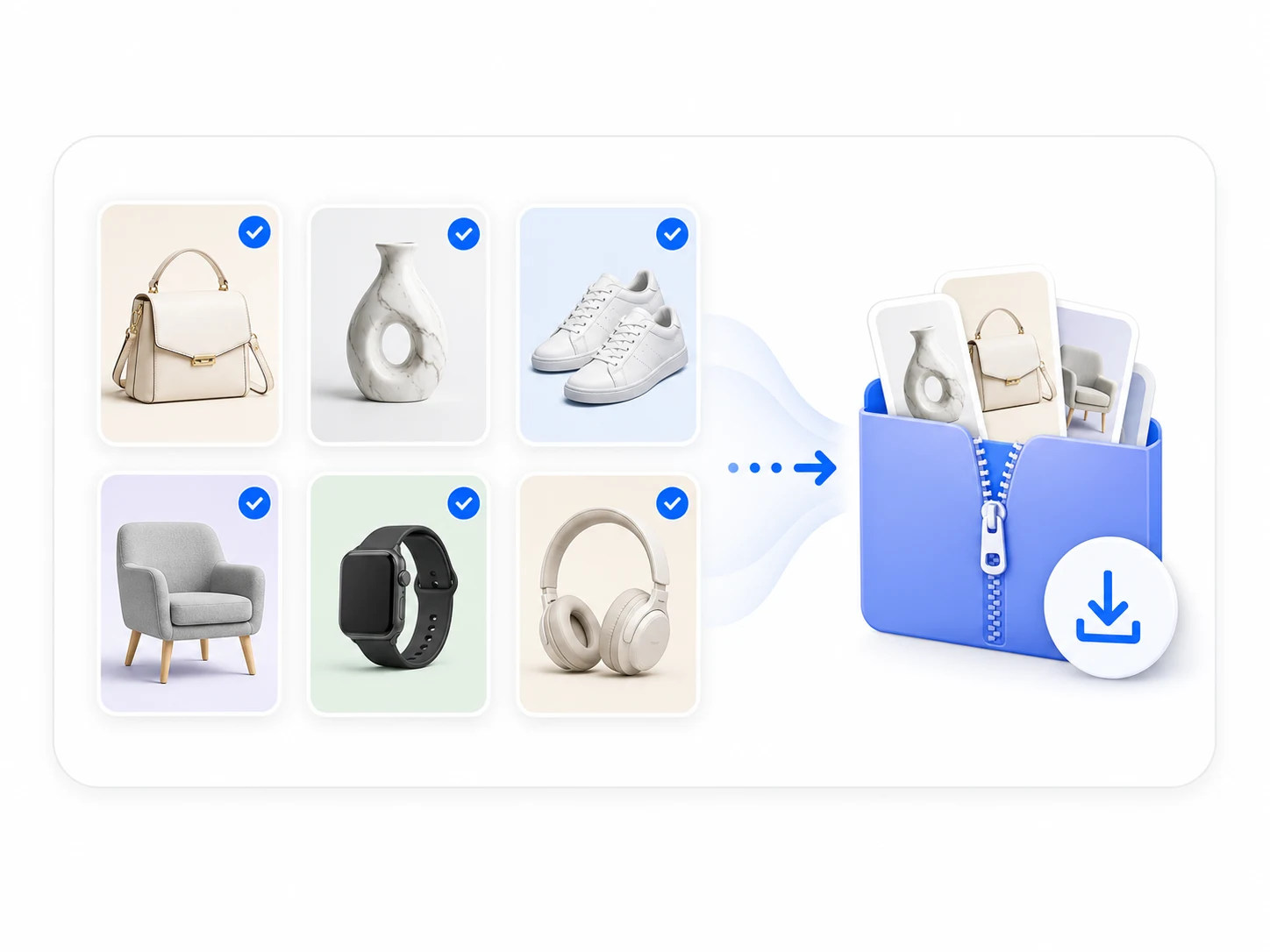
Download images as a package
Review the processed images and download the batch together for Amazon listings, Shopify catalogs, ad creatives, marketplace galleries, or image sets.
Clean Product Cutouts for Amazon, Shopify, Etsy and Ads
A bulk background remover should not only erase the scene. It should give ecommerce sellers flexible product cutouts that can move into marketplace listings, store pages, ad layouts, catalogs, and a larger product image workflow.
Transparent product cutouts
Create transparent-background product cutouts when you need flexible assets for banners, comparison modules, product page graphics, social ads, and design templates. Transparent cutouts are useful when the product needs to be placed into multiple layouts after background removal.
White background ready
Use cleaned product subjects as the starting point for white-background product photos. This is especially useful for Amazon-style main images, Shopify product grids, catalogs, and store pages that need a consistent, distraction-free product base.
Neutral or brand backgrounds
Move product cutouts onto light gray, soft neutral, or branded color backgrounds for cleaner merchandising visuals. This helps sellers keep catalog pages consistent without making every product photo look flat or disconnected from the brand.
Ad and catalog assets
Prepare clean product subjects for campaign posters, feed ads, marketplace promotion images, PDF catalogs, and launch graphics. Once backgrounds are removed in bulk, each product can be reused across more channels with less editing overhead.
From Supplier Photos to Clean Marketplace Product Images
Use the Bulk Background Remover when the product itself is usable but the table, shelf, showroom, hand, prop, or heavy shadow distracts buyers from the item.

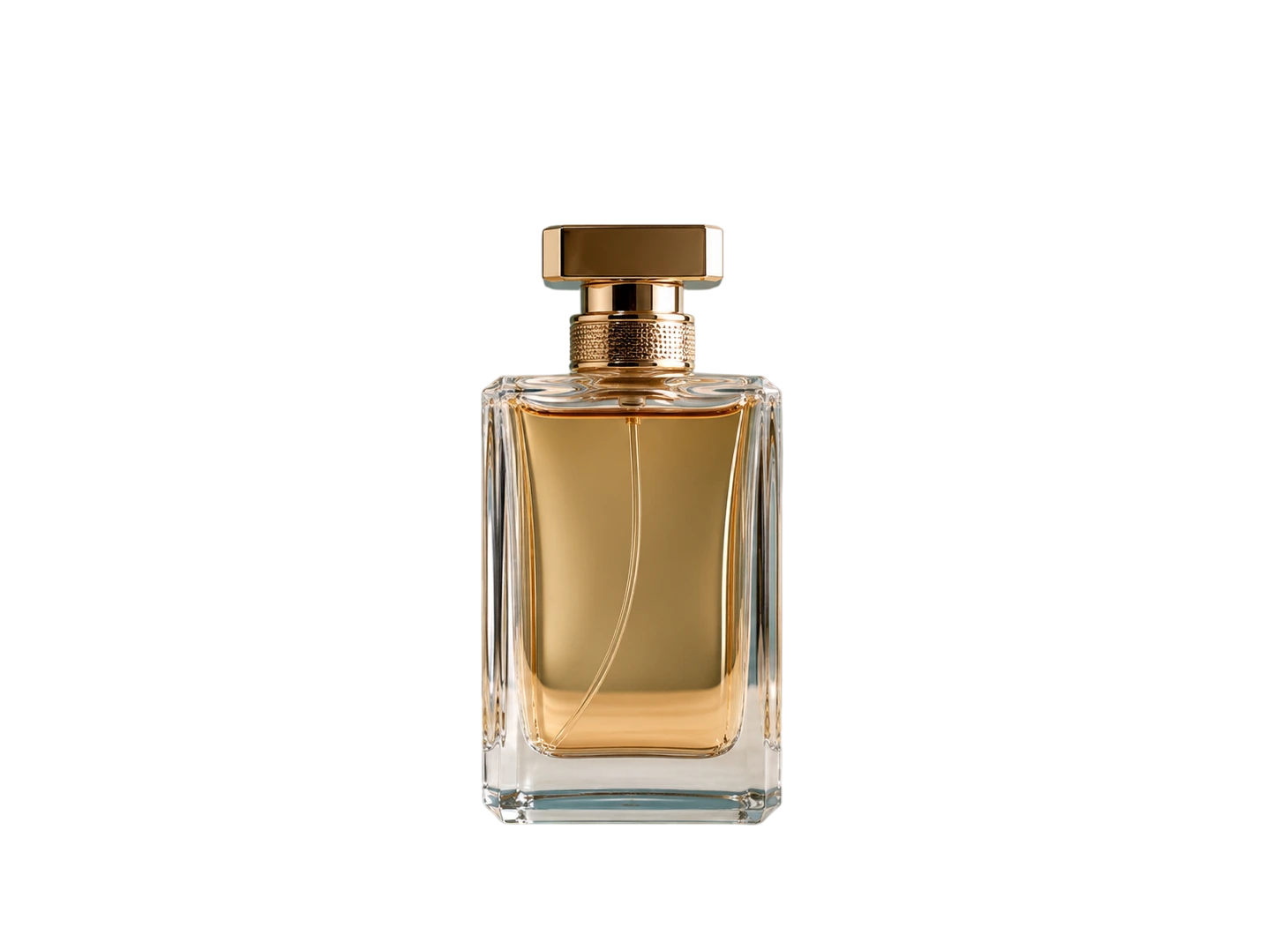
Clean Up Supplier Images Before Listing
Upload product photos from vendors, factories, or phone shoots and let Product Image Generator detect the product subject before background removal. The result is a cleaner product base for ecommerce listings, ad layouts, catalogs, and white-background workflows.


Preserve Product Shape and Detail
A useful bulk image background remover needs more than a rough crop. Product Image Generator is designed to keep visible product shape, packaging edges, fabric boundaries, transparent areas, and important shadow cues cleaner across product batches.
When Your Catalog Needs Fast, Consistent Background Removal
The tool works best when the product is clear enough to sell, but the original photo environment makes the image hard to reuse. Use it before building white-background photos, listing galleries, product page modules, or campaign assets.
Supplier photos look cluttered
Use batch background removal when supplier photos include tables, shelves, hands, props, packaging clutter, or inconsistent shooting spaces. The product may be usable, but the scene can make the listing feel less professional.
SKU variants need consistency
When colorways, sizes, bundles, or package variants come from different photo sources, a consistent cutout base helps the whole product line feel more organized across catalog grids and marketplace galleries.
Marketplace images need cleanup
Use the bulk background remover before creating Amazon main images, Etsy listing photos, eBay product galleries, or Shopify product cards. Cleaner subjects make later white-background and layout work more predictable.
Campaign assets need isolated products
If ads, banners, landing pages, or social posts need the product placed over new graphics, start with isolated cutouts. Removing backgrounds in bulk gives your creative workflow reusable product assets.
Why Ecommerce Teams Use Batch Background Removal
Product Image Generator is built for ecommerce teams that need a repeatable way to remove backgrounds from product photos in bulk, clean up SKU batches, and prepare image assets for real selling channels.
Batch product photo cleanup
Upload product photos once and process multiple image tasks in the same workflow. This is useful for frequent listing updates, supplier image cleanup, marketplace refreshes, and campaign asset preparation.
Cleaner ecommerce cutouts
Preserve product shapes, packaging edges, transparent areas, and useful shadow details so the final cutouts feel cleaner on white backgrounds, product grids, and listing galleries.
Batch up to 50 images
Process full SKU groups, supplier folders, or catalog images together instead of repeating the same background remover steps one image at a time.
Ecommerce Use Cases for Bulk Product Background Removal
Create a clean product foundation before publishing marketplace listings, building campaign assets, standardizing supplier photos, or moving products into a complete listing image set.
Remove tables, shelves, showroom walls, and shooting environments before creating Amazon main images, Etsy listing photos, eBay product images, or white-background photos.

Marketplace
Amazon, Etsy, eBay
Use bulk product image background removal to standardize photos from different suppliers, so Shopify collection grids and product cards feel cleaner and easier to browse.

Shopify Catalog
Collections and product grids
Start with clean transparent product cutouts so products can move into posters, feed ads, story creatives, discount banners, and social layouts faster.
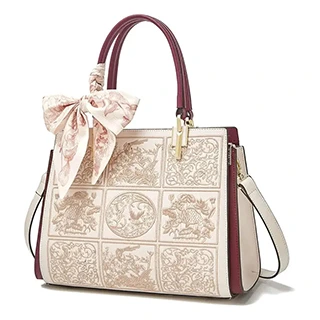
Ad Creative
Social ads and campaign visuals
Clean up cluttered supplier photos before creating white-background images, catalog pages, marketplace listings, or full product listing galleries.
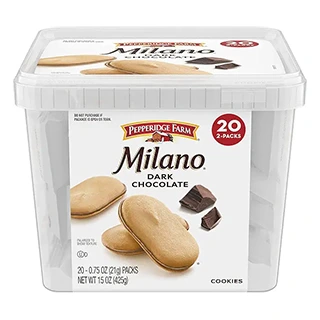
Supplier Photos
Wholesale and vendor images
Process related SKUs together so colorways, models, bundles, and package variants keep a more consistent product base across a full ecommerce catalog.
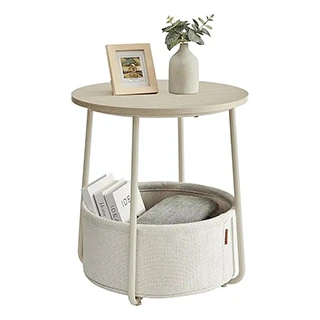
Batch SKU
Product lines and variants
Use clean product subjects in PDP hero sections, feature graphics, comparison modules, landing pages, and promotion blocks without manual editing overhead.
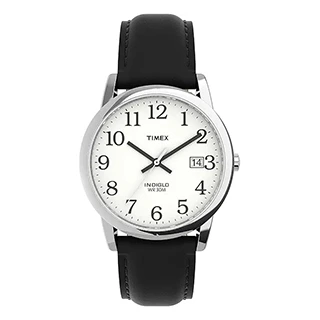
Product Pages
PDP sections and landing pages
What to Do After Removing Product Photo Backgrounds
Once your background is removed, continue into tools that turn clean cutouts into marketplace-ready product photos, sharper supplier images, and listing-ready creative assets.
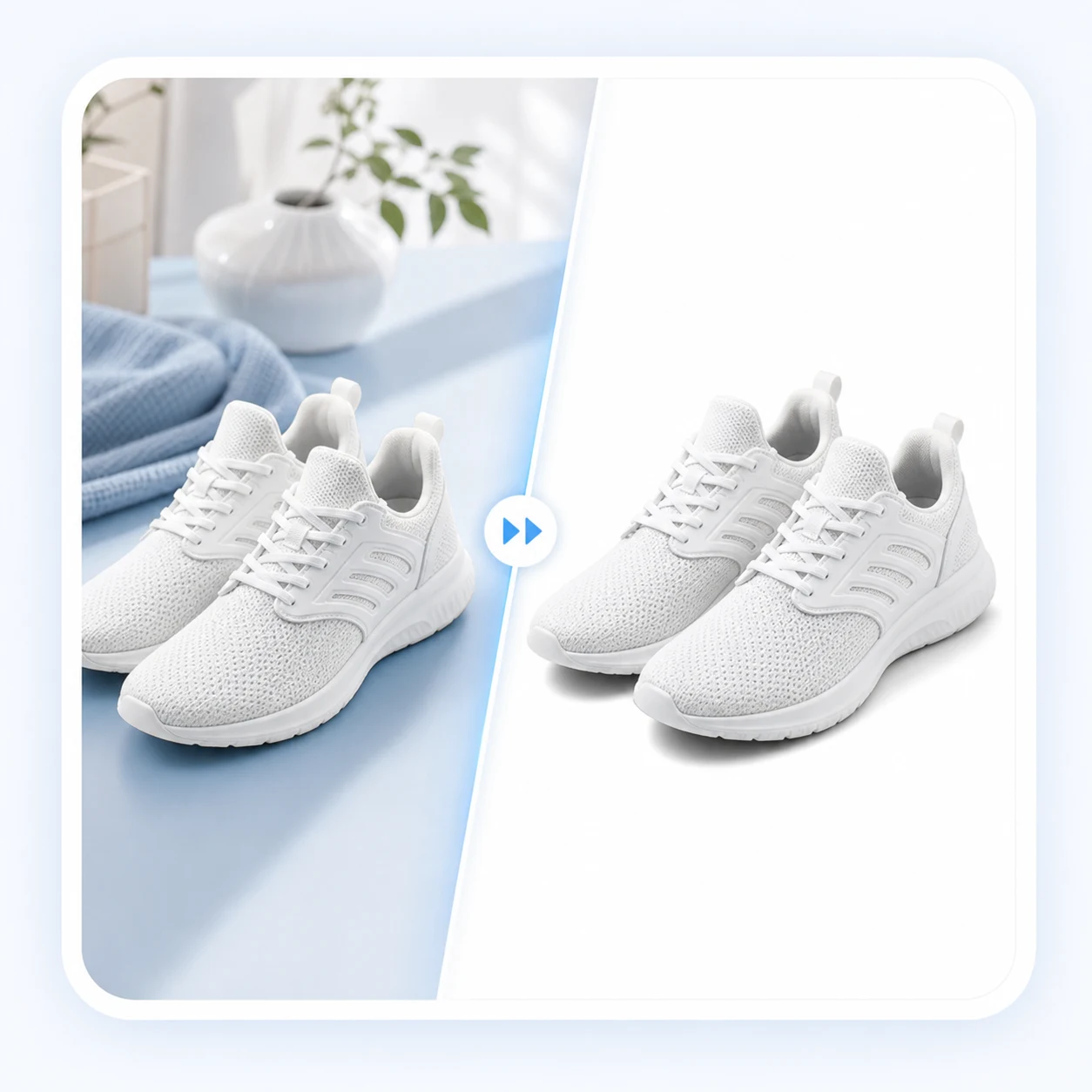
White Background Photo
Place clean product cutouts on marketplace-ready white backgrounds for Amazon, catalogs, PDPs, and consistent store grids.
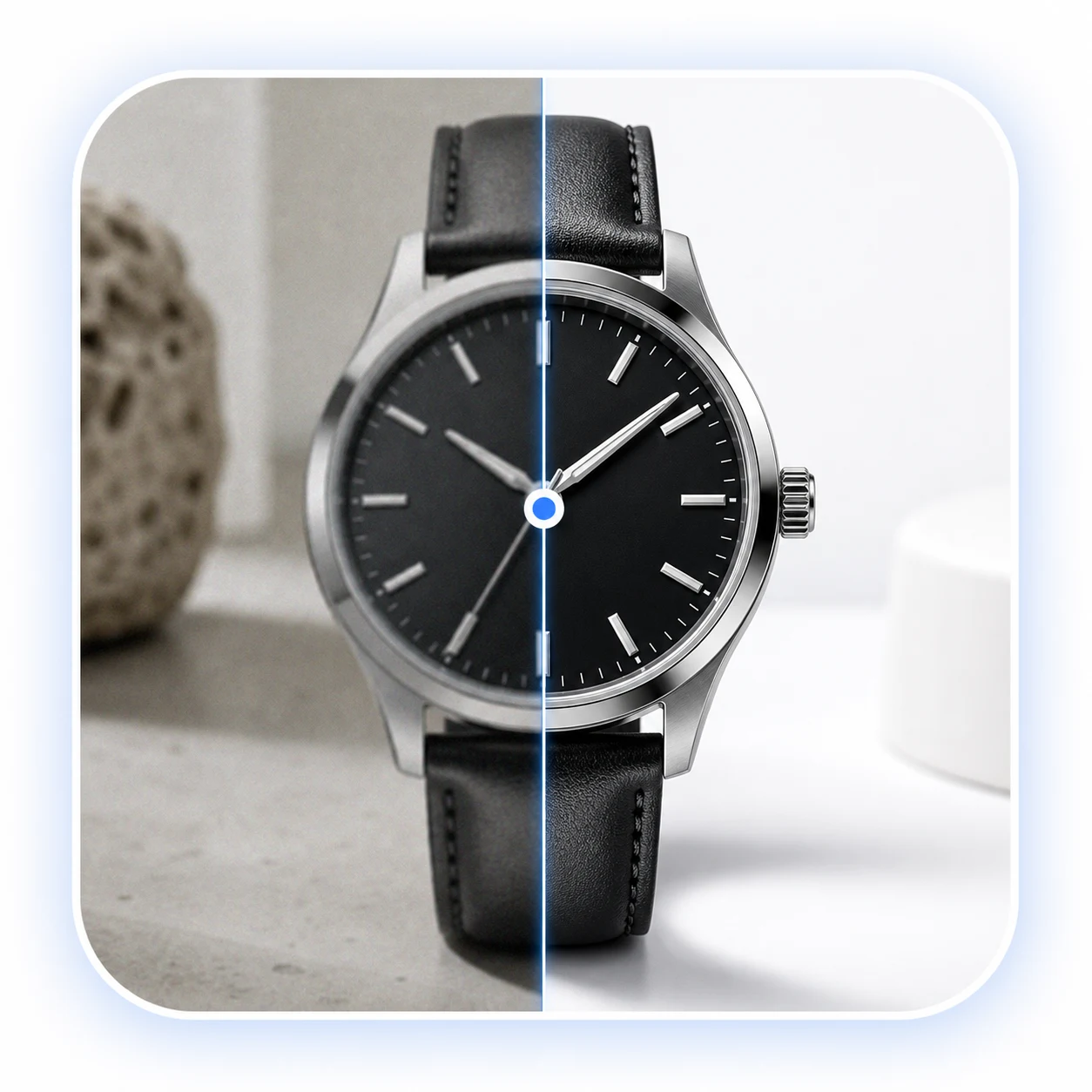
Image Quality Enhancer
Improve clarity, lighting, and visible product detail before publishing supplier images or generated cutouts.
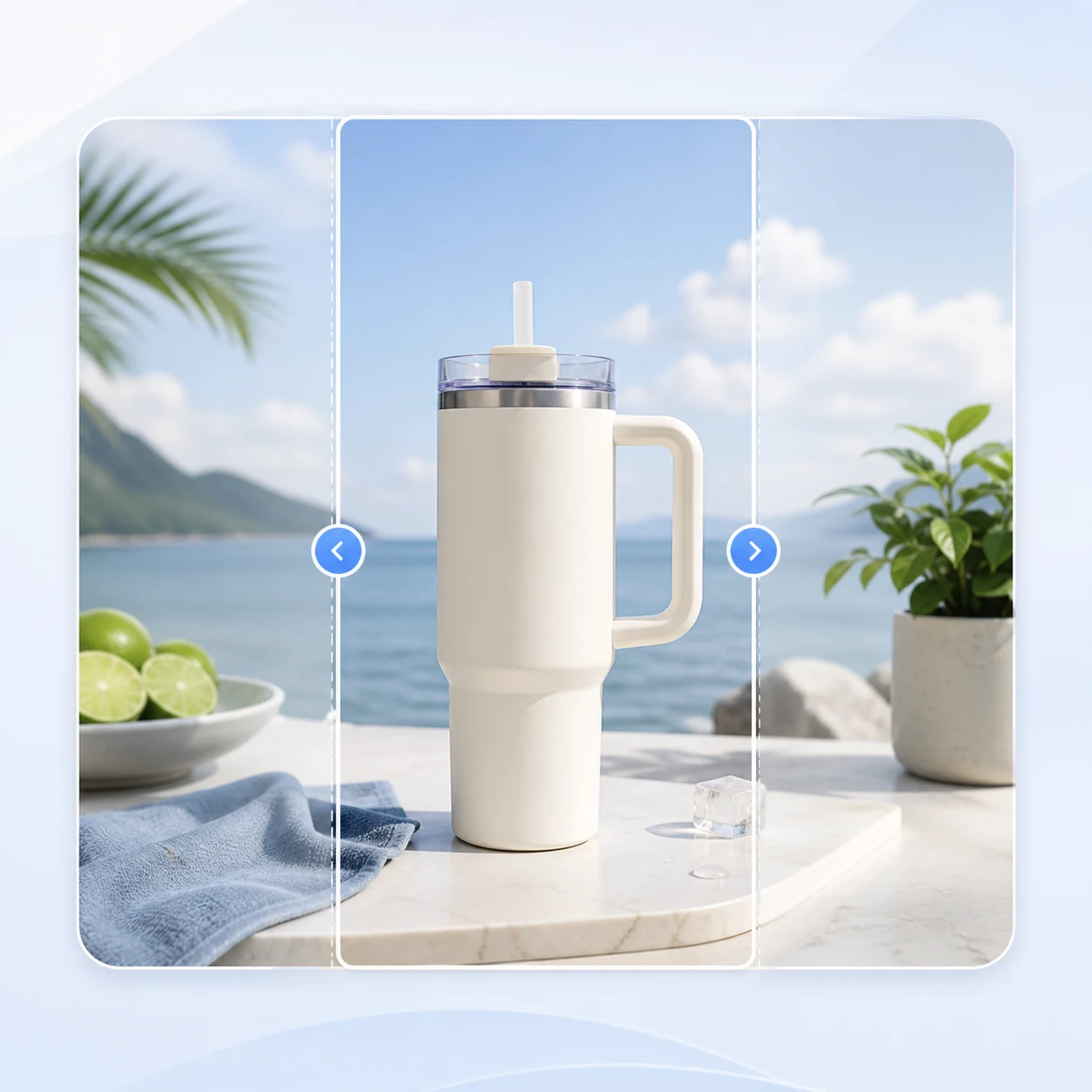
AI Image Extender
Expand clean product visuals into ad, social, banner, and listing ratios without cropping the product awkwardly.